7 Simple Desk Break Ideas for a More Comfortable Workday
7 Simple Desk Break Ideas for a More Comfortable Workday
These simple desk break ideas offer seven practical ways to add small pauses to work or study, from looking away from your screen and stretching gently to taking a short walk or writing down your next step. You do not need a new gadget or complicated wellness routine. Choose the ideas that are realistic for your workspace, schedule and individual needs.
Between tasks, pick a break that fits what you need: look away from the screen, get up and walk, or jot down the next action.
1. Clear One Small Area of Your Desk
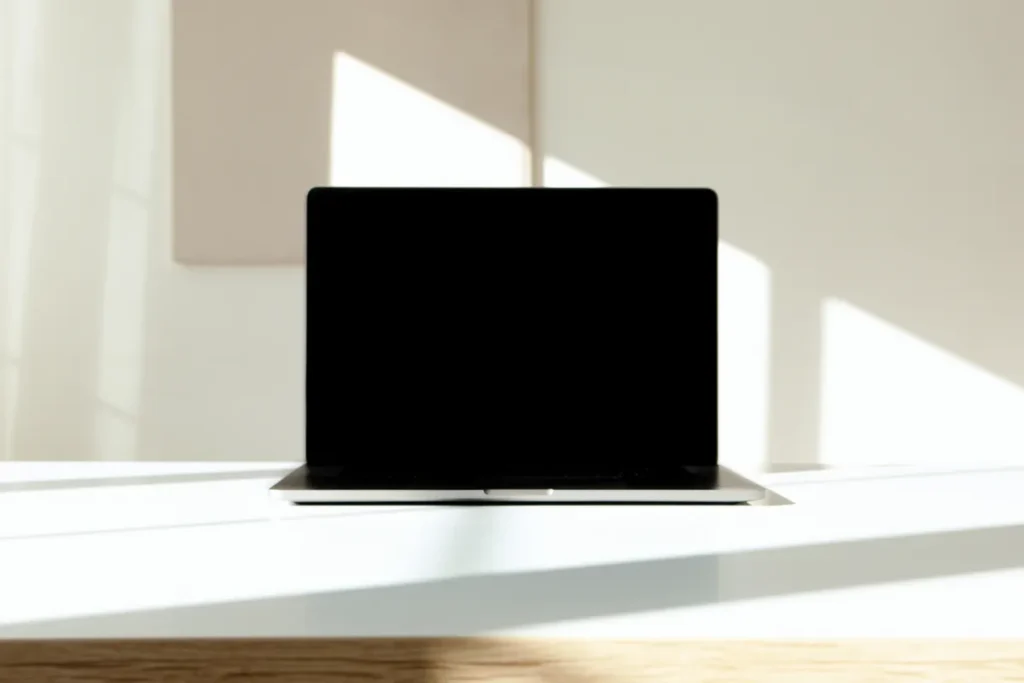
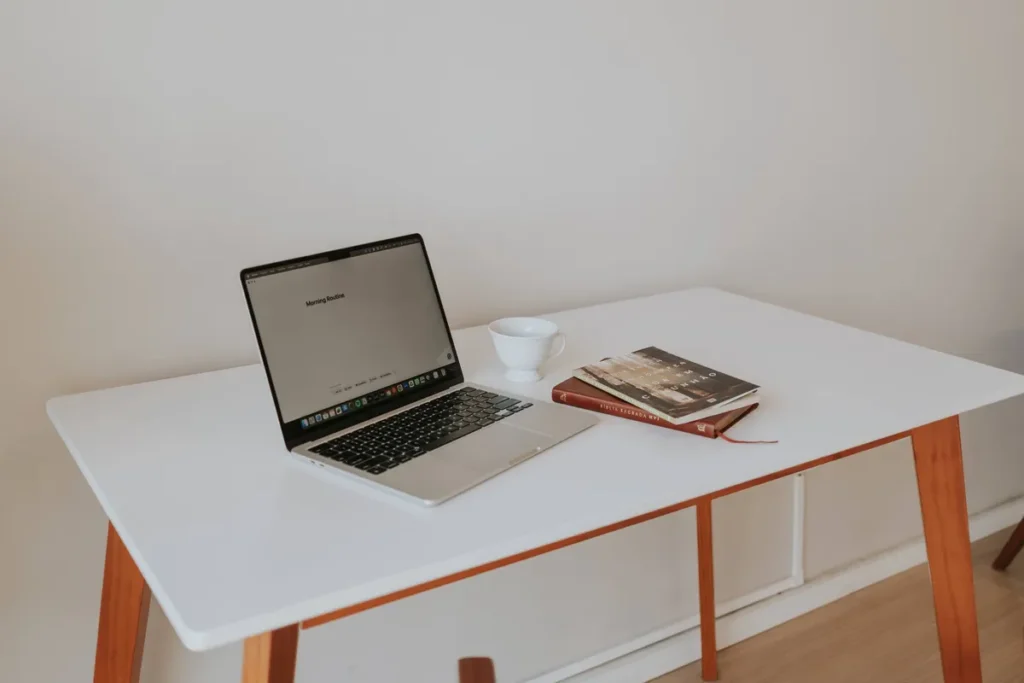
During a short break, move empty cups, loose wrappers or scattered papers out of the area directly in front of you. You do not need to reorganize an entire room or buy new storage products. Simply leave enough space to use your keyboard, notebook or other everyday tools comfortably. Put frequently used items within easy reach so you are not repeatedly twisting or stretching across the desk. The Occupational Safety and Health Administration’s workstation guidance emphasizes a well-arranged working environment, including lighting and comfort. Stop once your immediate work surface feels usable rather than turning your break into another chore.
2. Look Away from Your Screen Toward the Window
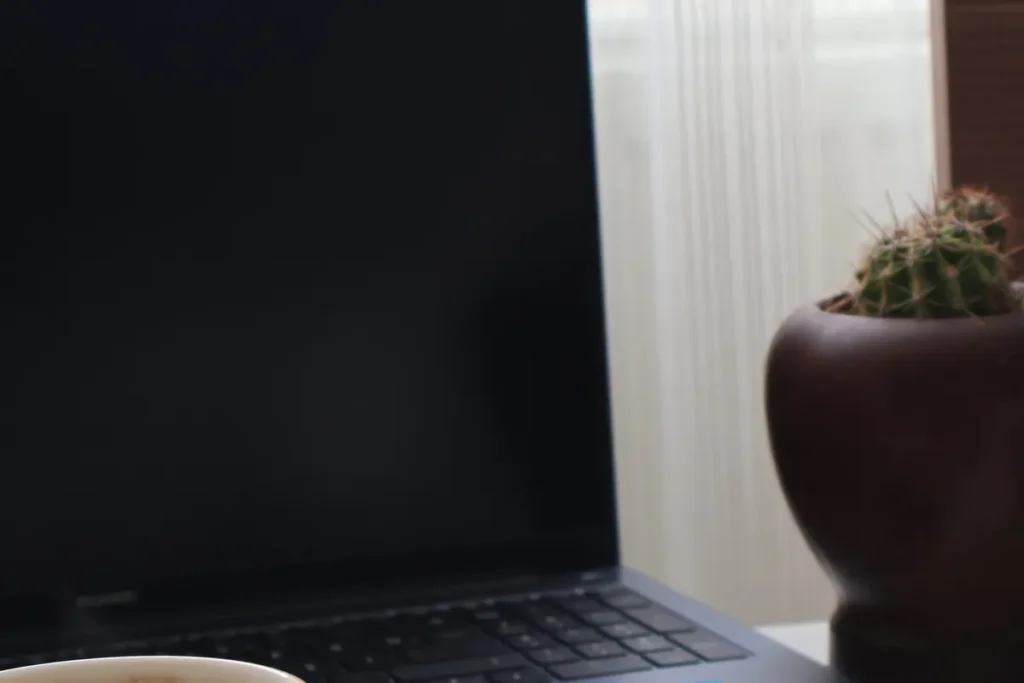
After a period of concentrated computer work, look into the distance for a moment and blink normally instead of moving immediately from one screen to another. The OSHA monitor guidance recommends periodically focusing on farther objects and taking time to blink because prolonged monitor viewing can contribute to tired, dry eyes. You do not have to stare into direct sunlight; choose a comfortable view and adjust blinds if glare is reflecting onto your display. If ongoing eye discomfort or blurred vision persists, seek an appropriate eye-care assessment.
3. Keep a Glass of Water Nearby
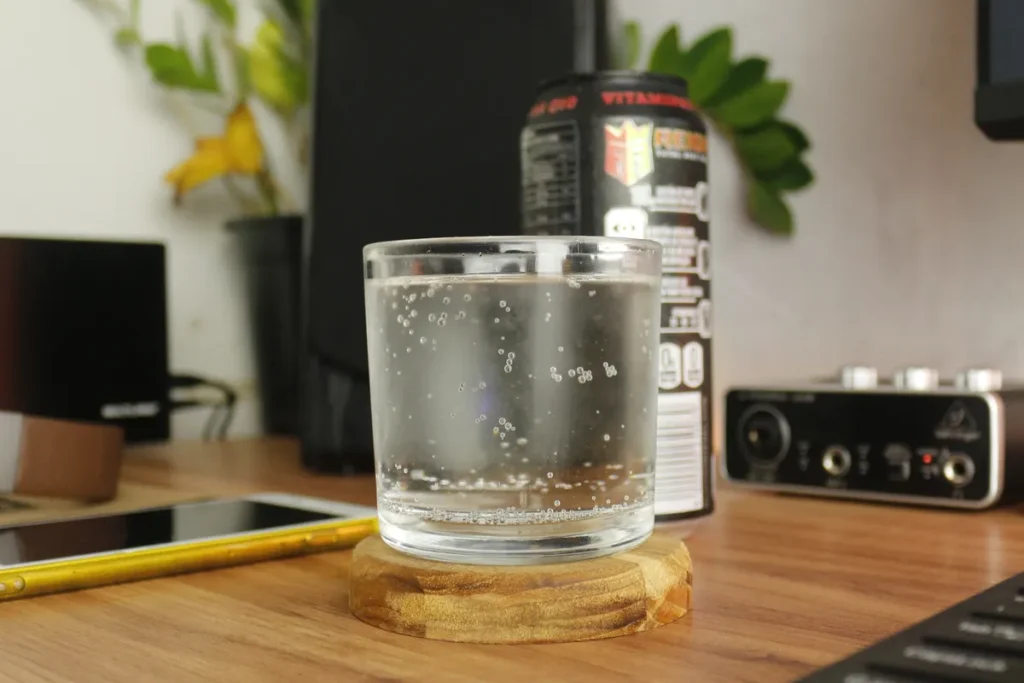
If you are thirsty, take a moment to drink and refill a clean glass or reusable bottle. Keep liquids far enough from electrical equipment that an accidental spill will not damage your computer. There is no universal rule that everyone needs to drink a certain large amount during every work break: individual needs vary with activity, temperature and health circumstances. The CDC guidance on water and healthier drinks identifies water as a practical drink choice. For anyone following a medical fluid restriction, individualized clinical instructions take priority over general lifestyle advice.
4. Take a Brief Walk Away from Your Desk

If your circumstances allow, walk along a safe nearby path, through a corridor or around your home for a few minutes. Even a small change of scene can help you break up a long stretch of sitting. The CDC encourages adding activity in manageable amounts and notes that some movement is better than none. A slow stroll is fine if that is comfortable for you, but it is not necessarily the same intensity as brisk walking. Choose a safe route and an appropriate pace, especially if you have mobility limitations. You can return to your task without treating the walk as a workout.
5. Change Your Position and Check Your Workstation
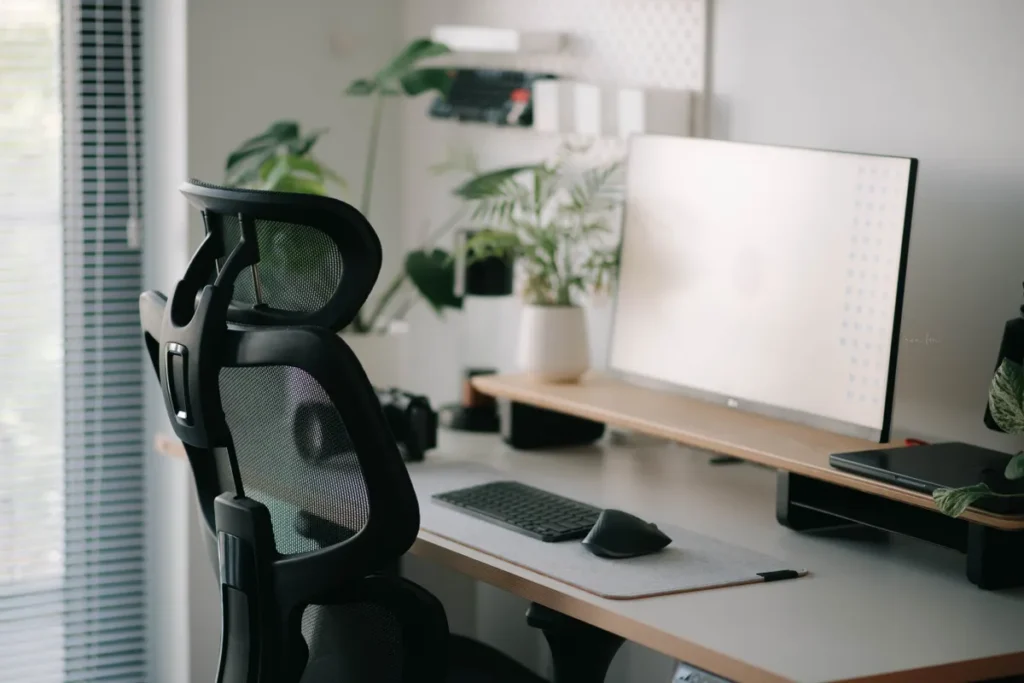
During a short pause, notice whether your shoulders feel tense, your feet are supported and the monitor is positioned so you are not constantly craning your neck. Adjust what you reasonably can rather than trying to hold one supposedly perfect posture all day. The OSHA computer work-process recommendations encourage varying tasks and positions and taking brief standing or stretching breaks to interrupt static postures. Move gently and within your comfort level; stop any movement that causes pain. If you use a shared desk, a few small adjustments may still be possible without changing equipment.
6. Enjoy a Short Screen-Free Tea or Reading Pause

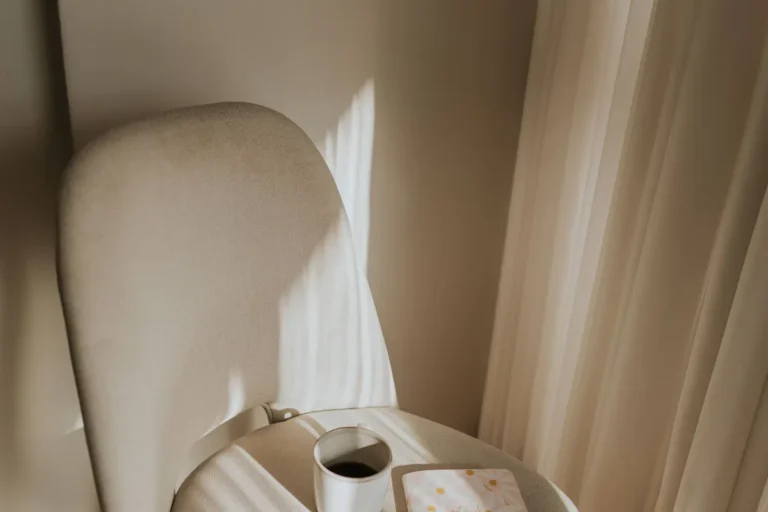
The cup of tea beside a notebook and book in this photograph is a reminder that a break does not have to involve checking another app. Make a drink you enjoy and spend a few minutes looking at a printed page, noticing your surroundings or simply sitting quietly. Choose the beverage that suits your schedule and preferences, and be careful with hot liquids near electronics. You do not have to complete a chapter or turn the pause into a new productivity habit. The important distinction is giving your eyes, hands and attention a change from constant computer use. Our screen-free activities guide offers more ideas for stepping away from devices in your free time.
7. Write Down One Clear Next Step
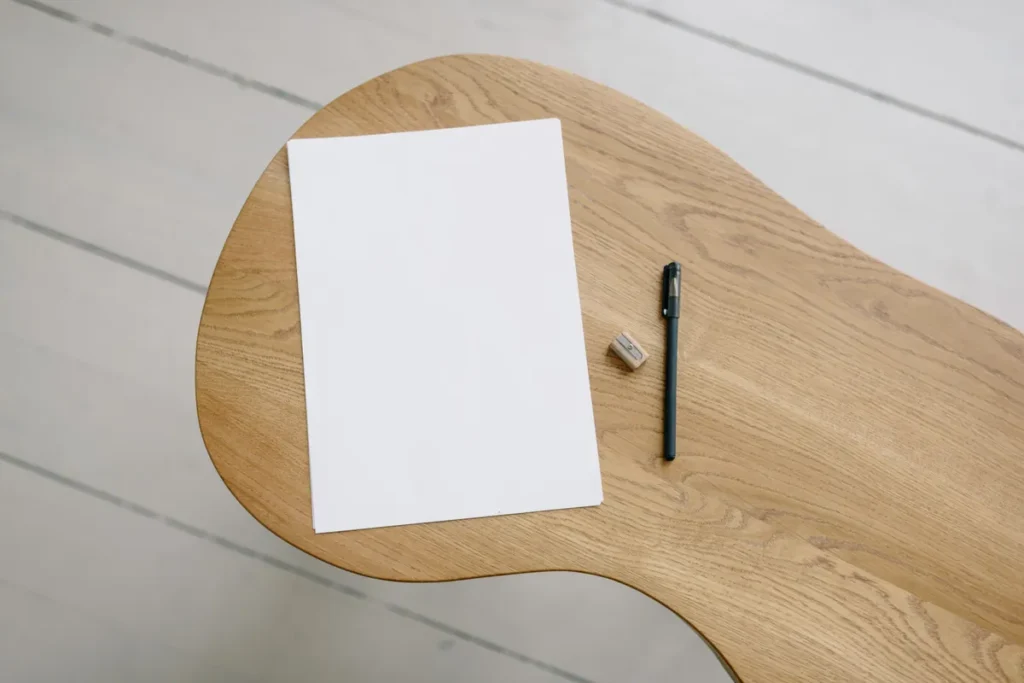
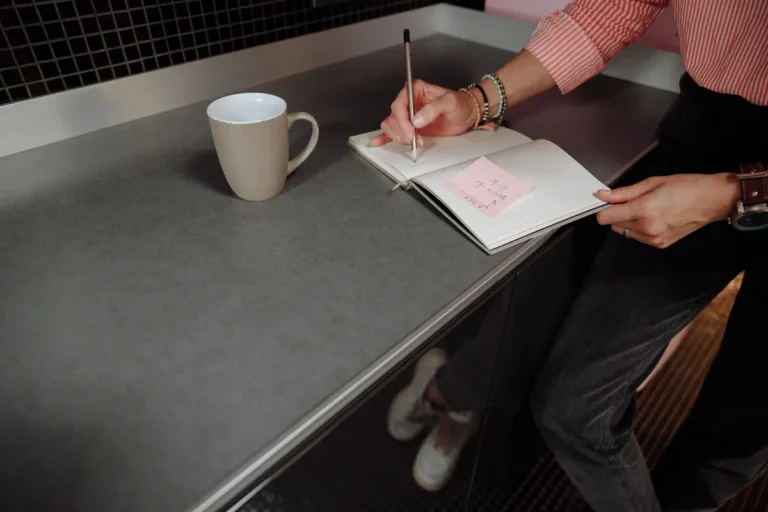
Before returning to a project, write one specific next action, such as reviewing a paragraph, answering an important message or gathering materials for a meeting. A single clear step is often easier to approach than a long list with no clear priorities. If you are overwhelmed by several obligations, choose one that is realistic for the time available and note other commitments somewhere reliable. Avoid using your break to create a complicated schedule or to criticize yourself for unfinished work. Paper planning is optional, but it can provide a calm transition back into a busy workday without immediately opening another screen.
Practical Tips Before You Plan Desk Breaks
Use your natural pauses between tasks to change position or step away from your screen. The OSHA computer workstation guidance suggests brief microbreaks during prolonged computer tasks and specifically discusses a five-minute pause each hour, while the OSHA monitor recommendations encourage looking away and blinking periodically. Match break frequency to your duties, comfort and workplace requirements. If possible, add safe, enjoyable movement throughout the day; the CDC notes that even small amounts of physical activity can help. Persistent neck pain, numbness or eye symptoms warrant appropriate professional advice. For a calmer start to your day, explore our gentle morning routine guide.
Final Thoughts on Comfortable Desk Breaks
A more comfortable workday does not require an elaborate routine or a perfectly organized office. A brief change of position, a drink of water or a moment looking away from the screen can create a useful pause between tasks. Choose a few small ideas that work with your schedule and environment, rather than trying to complete all seven every day. Regular opportunities to move, rest your eyes and adjust your work setup matter more than making breaks look picture-perfect.
Useful Official Workplace and Lifestyle Resources
For evidence-based workday comfort guidance, see OSHA’s work process and short-break recommendations, OSHA’s monitor and eye comfort advice, and OSHA’s workstation environment tips. For general physical activity, visit the CDC’s guide to moving more as an adult. The photographs were sourced from Pexels under its free-use license.
You May Also Like

LIFESTYLE
7 Simple Screen-Free Weekend Activities to Help You Slow Down
Find restful, enjoyable ways to spend free time without scrolling through another screen.